Introduction
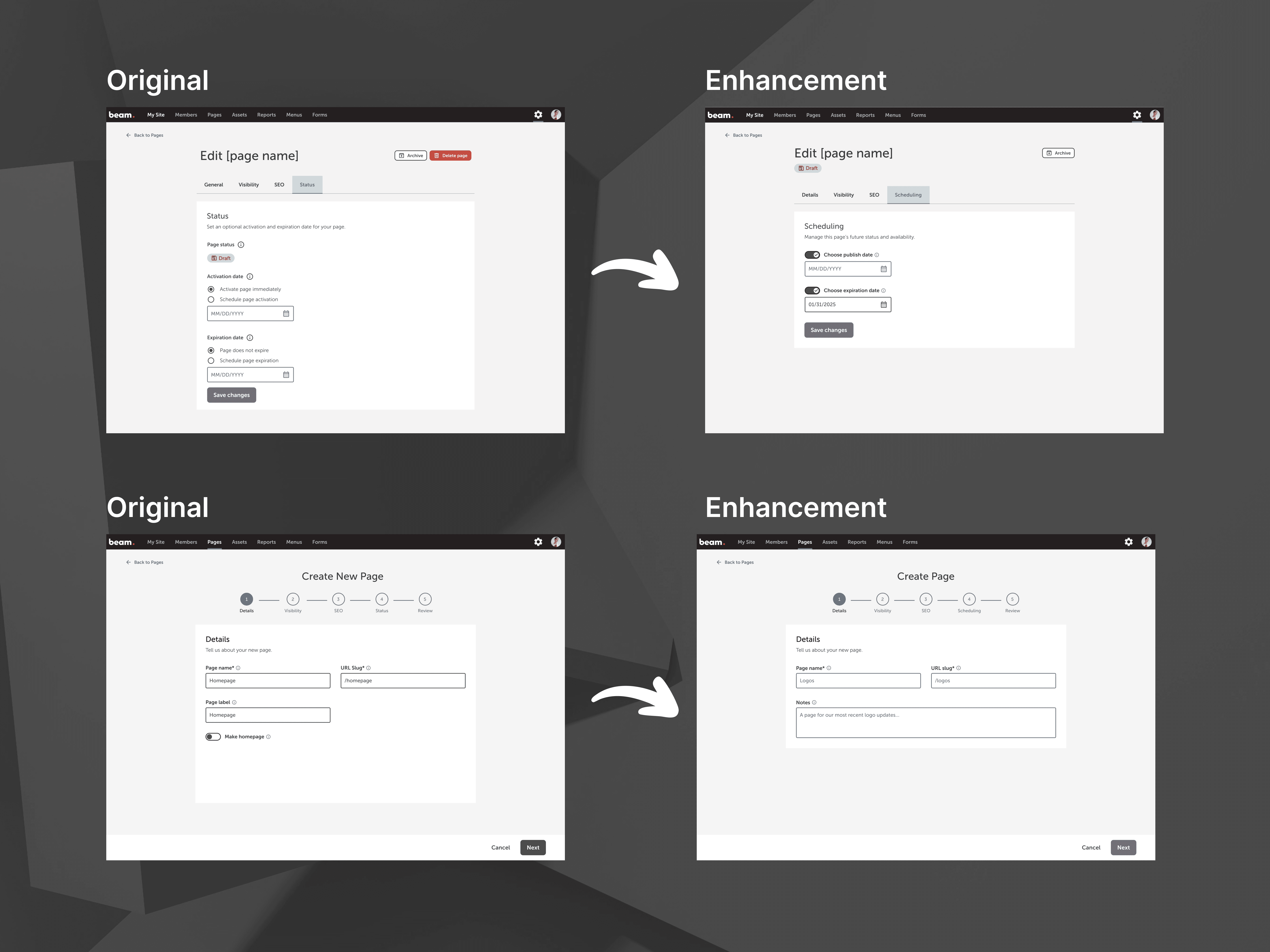
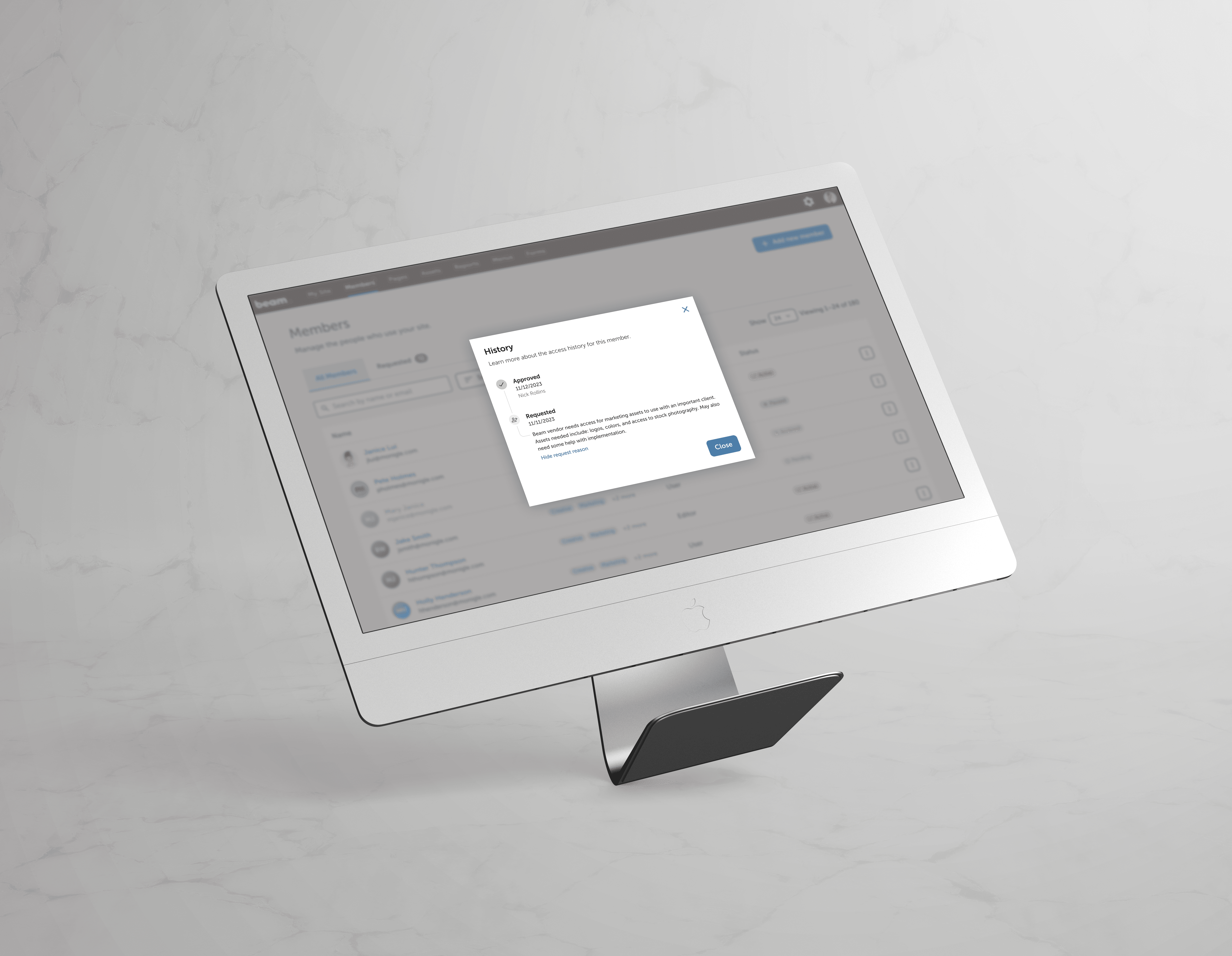
As we continued developing Beam 4.0 beyond its MVP, real-world usage quickly exposed limitations in our content publishing tools. Users needed more flexibility to manage when pages went live or expired, but the existing system offered little control and caused confusion due to its rigid status logic. This project focused on improving the page scheduling and management experience—making it easier to plan content, reduce manual effort, and keep their sites up to date without relying on development support.
Goals
Enable admins to schedule pages to publish or expire during creation and afterward in page settings.
Decouple page visibility (Published/Draft) from lifecycle states (Scheduled/Expired/Archived).
Improve flexibility and clarity around content scheduling and management.
Reduce reliance on manual workarounds or developer support for scheduling tasks.
Challenges
The existing system conflated publishing states with scheduling logic, leading to confusion and unintended behavior.
We needed to accommodate multiple lifecycle stages (Draft, Published, Scheduled, Expired, Archived) without overwhelming users or breaking existing workflows.
The scheduling logic also had to be designed to work across time zones, edge cases (e.g., expired pages becoming active again), and with minimal developer friction.
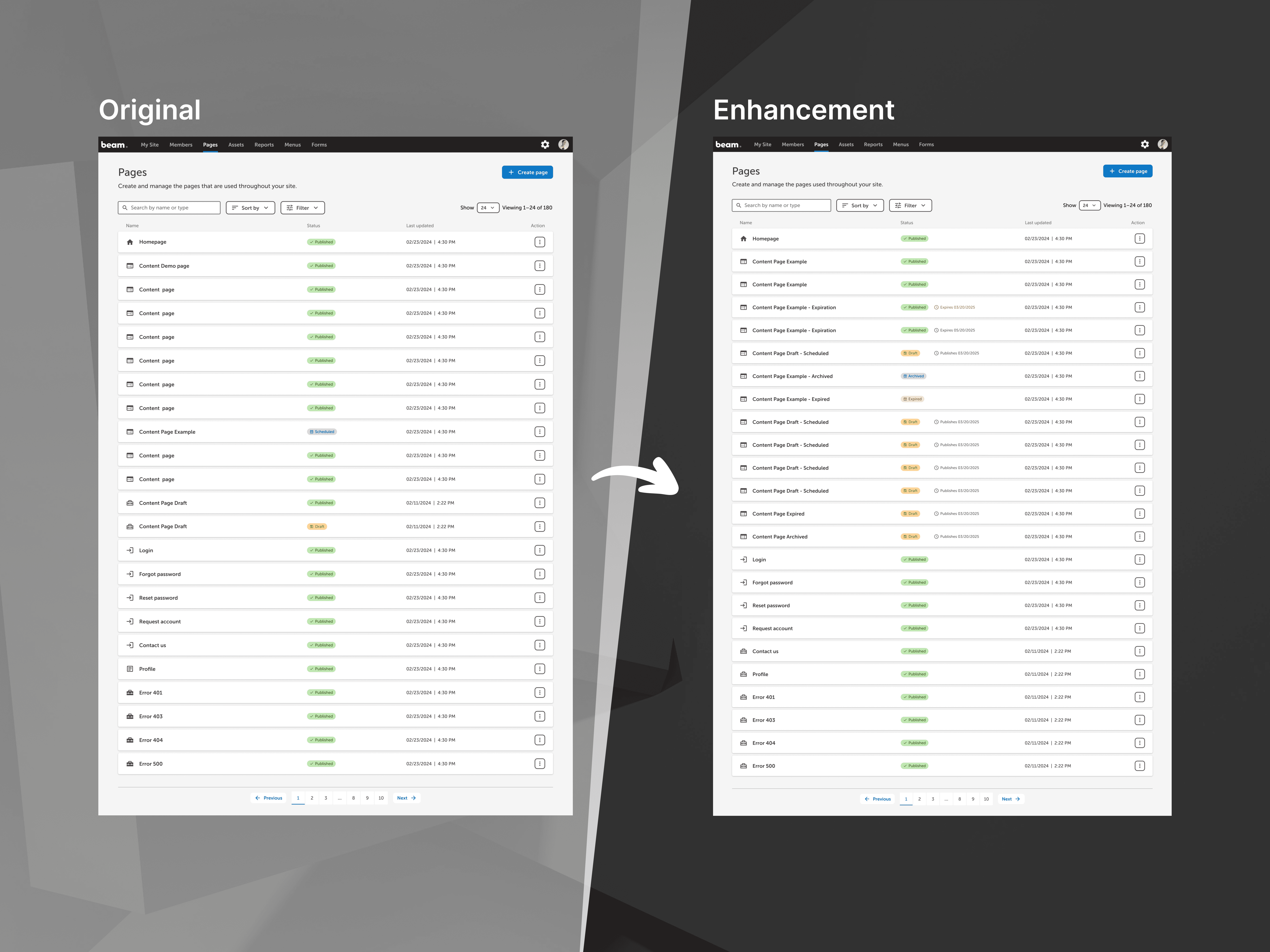
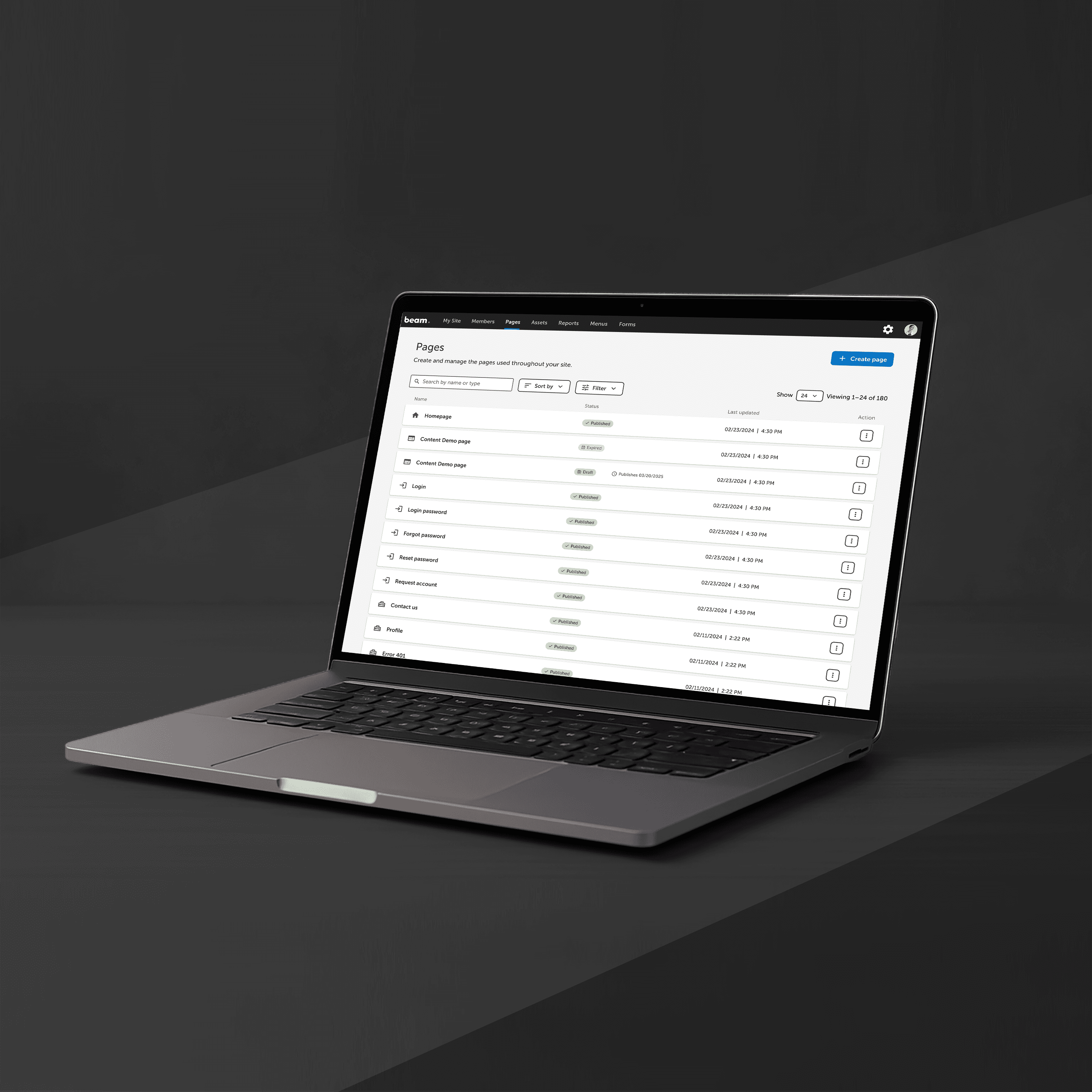
Enhancements to Pages table
Outcomes
Users can now schedule content to publish in the future, enabling better planning and timed launches (e.g., seasonal campaigns or announcements).
Expiration scheduling allows pages to automatically unpublish at a set time, reducing manual work and minimizing outdated content.
The updated system improves visibility and control over page status, increasing user confidence and autonomy.
Reduced reliance on support teams or developers for manual scheduling tasks.
Reflections
This project was a great example of how thoughtful UX design can simplify complexity and empower users. By separating the logic behind publishing and scheduling, we created a more resilient and flexible system that scales with client needs. It also reinforced the value of designing for edge cases—not just the ideal workflow—to future-proof the product.